Images
Put images in src/assets/ and reference them with a relative path from the
page:
Images in src/assets/ are processed at build time: PNG and JPEG files are
converted to WebP and get width and height attributes, so they download faster
and the page does not jump while they load. SVGs are copied as they are.
Alt text
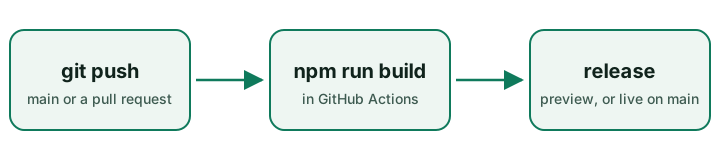
Section titled “Alt text”The text in the square brackets is what a screen reader says and what shows if the image fails to load. Describe what the image tells the reader, not what it looks like: “The deploy workflow: push, build, release” rather than “diagram”.
Files served as-is
Section titled “Files served as-is”Anything in public/ is copied to the site unchanged, at the same path —
public/favicon.svg is served at /favicon.svg. Use it for files that need a
fixed URL, such as a favicon, robots.txt, or a PDF you link to. Images used
inside pages are better in src/assets/, where they get optimised.
Deployed on One9x Pages